How it works here
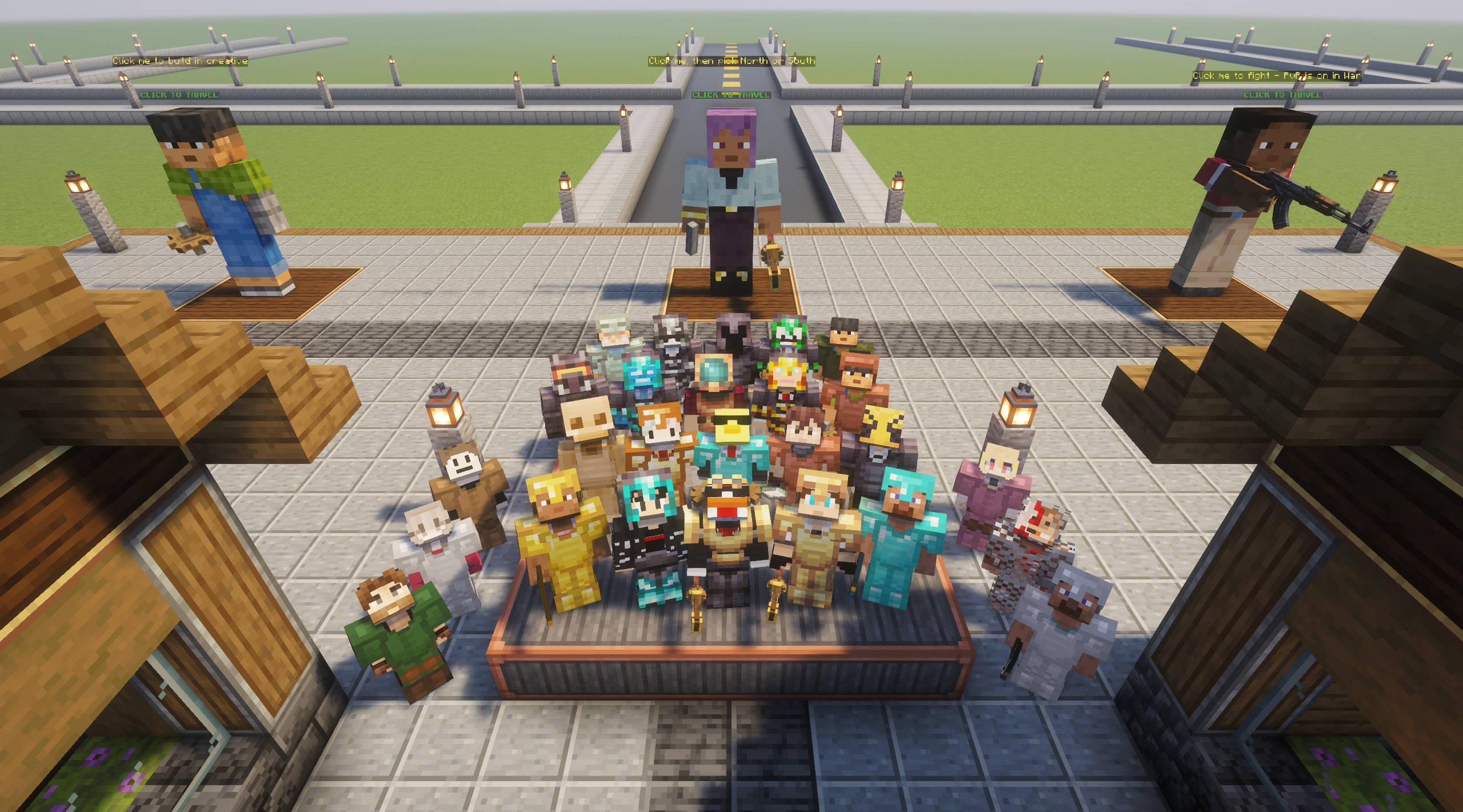
You start at the spawn plaza with a jetpack and a few Shop tokens. Mine Cog Ore, sell the scrap, and put the money into a Create factory. Then sell what the factory makes, open a store in the Shop, or spend it on trains, airships and warships.
Server status
Loading live data…
- Loading…
Click a player to find them on the live map. Players in War stay hidden.
How to join
-
1
Install the modpack
Get Create Economy Frontier 3.0 from CurseForge. The server only accepts players running the pack.
Get it on CurseForge -
2
Whitelist yourself
Type your Minecraft Java name and you're added straight away.
Prefer a person? Open a ticket in Discord.
Join the Discord and open a ticket in the Ticket channel. Staff will add you to the whitelist.
Join the Discord -
3
Launch and connect
The server is already in the pack's multiplayer list. If you need the address, it's below.
See it for yourself
Real builds from our worlds: the spawn plaza, factories, airship carriers, End ships and the Lab's megaprojects. Click a picture to see it big.
What you'll be doing
- Earning
- Mine Cog Ore underground and sell the scrap at the plaza. Once your factory runs, sell what it makes to other players. Coins go from Spurs up to Suns.
- Claiming land
- Every player adds 250 chunks to their team's claim. Plots in the Shop's city cost one token each.
- Flying
- Build airships with Create Aeronautics, arm them with Big Cannons and radar, and take them to War if you want a fight.
- Testing first
- The Lab is a creative world with WorldEdit, so you can get a machine right before you spend real Cogs on it.
Fly over the server
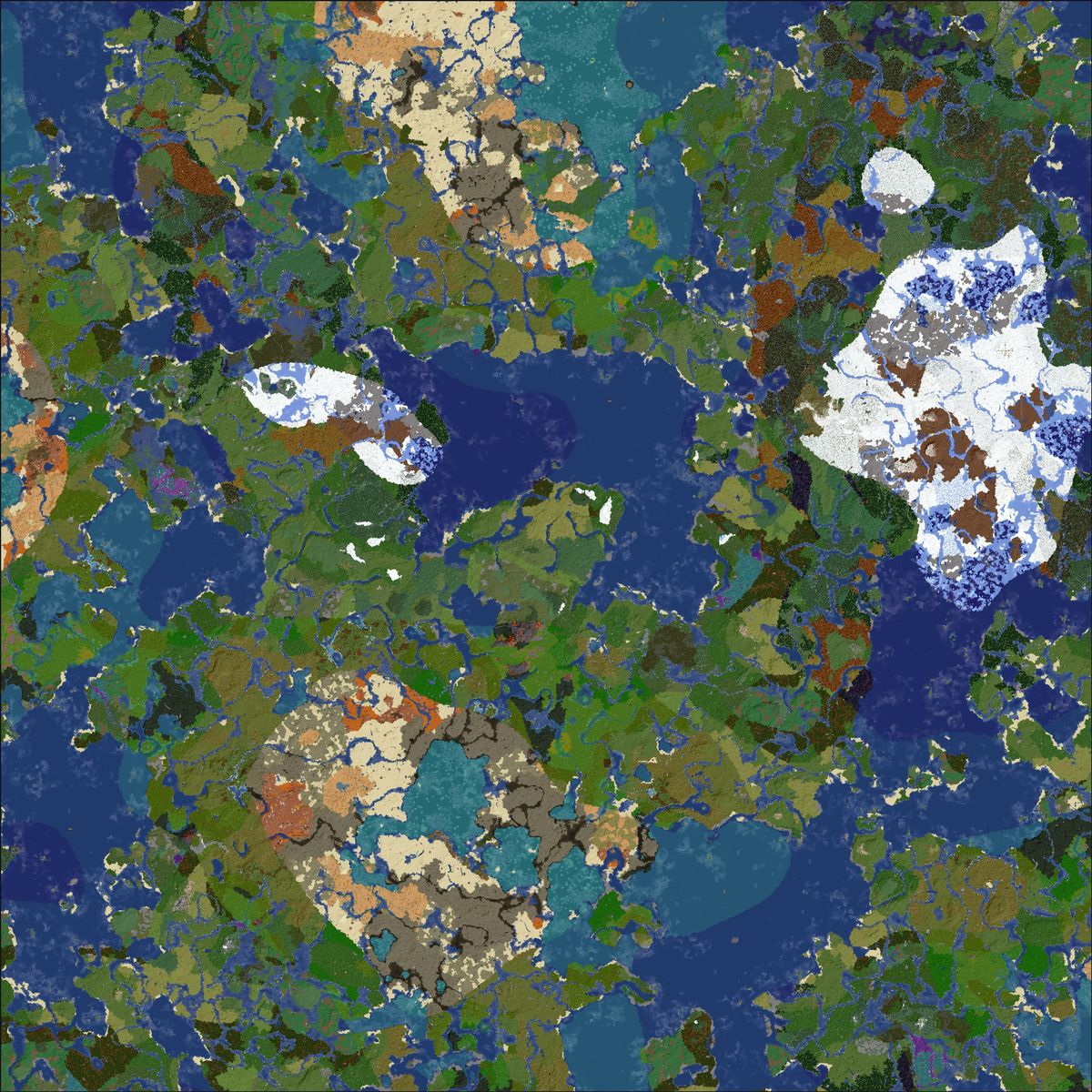
The real worlds, rendered live in 3D with BlueMap. Pick a world, then open the live map to drag around, zoom in and watch players move.
Every world at a glance
Each card opens the live map straight at that world.
Getting around
- Drag to move, scroll to zoom.
- Right-drag (or two fingers) to turn and tilt the camera.
- The menu at the top-left switches worlds and views: 3D, flat or free-flight.
- Click a player head to follow that player.
What you're seeing
- The coloured boxes are land claims, one colour per team.
- Claims in War are hidden on purpose, and so are players there.
- The map updates by itself as players build, usually within minutes.
- Far-away areas show in less detail until you zoom in.
Find a player
On the home page, click anyone in Online now and the map opens right where they are (except in War).
See who's onlineIn-game chat
Chat streams in here as it happens. It's read-only, so join the server to talk back. Discord news and updates are on the Updates page.
Chat filter
Staff can switch on a filter that hides swear words, slurs and other bad words. When it's on, each player chooses for themselves in game:
/filter on /filter off
On this page, use Hide bad words under the chat.
Chat rules
- Be kind. No harassment, hate or slurs.
- No spam, and no advertising other servers.
- Keep it friendly for everyone.
Linked to Discord
Messages from the Discord's chat channel show up in game (and here) with a [Discord] tag, and in-game chat goes to Discord too.
Join the DiscordUpdates & news
Announcements, server changes and modpack updates, straight from the Discord. Join it to get pinged when something new happens.
Recent server updates
All channels
Pick a channel to read its latest posts.
Where you'll play
Worlds compared
| World | Mode | PvP | Natural mobs | Size | Portals | Claims on the map |
|---|---|---|---|---|---|---|
| Shop | Survival | No | No | 240 x 240 | No | Yes |
| South | Survival | Yes | Yes | 10,000 x 10,000 | Nether + End | Yes |
| North | Survival | Yes | Yes | 10,000 x 10,000 | Own Nether + End | Yes |
| War | Survival | Yes, hidden names | Yes | 10,000 x 10,000 | No | No |
| Lab | Creative | No | No | 1,000 x 1,000 | No | Yes |
| Nether & End | Survival | Yes | Yes | 10,000 x 10,000 | Portals only | Yes |
Getting around
Travel menu
Type /tp anywhere, or click the portal NPCs at spawn. North, South and War drop you at a random spot 200 to 1,400 blocks from the centre.
Homes
Type /home to open your homes and save one with Save here. Vote ranks give you more home slots.
Nether & End
Build portals the survival way. South leads to the Nether, North to its own North Nether, and both have an End portal room.
Vote & Ranks
Vote once a day on each site. Your vote is counted even if you're offline, and rewards wait for you at your next login.
Vote your way up
Every vote counts toward a lifetime rank. Ranks never expire and give more homes, more claims, bigger WorldEdit in the Lab, Shop flight, cosmetics and coins when you rank up.
Links & FAQ
Everything to do with Create Economy in one place, and answers to the questions we get the most.
Play
Community
Vote for us
Questions
How do I join?
Install the modpack from CurseForge, whitelist yourself on the home page, then launch the pack. The server is already in its multiplayer list, and the address is play.create-economy.net.
Does it cost anything?
No. The server is free to play, and every rank is earned by voting, so nothing is for sale.
Which Minecraft version is it?
Minecraft Java 1.21.1 with NeoForge, through our modpack. A normal Minecraft client, or a different version of the pack, can't connect.
Can I add my own mods?
Play with the modpack as it comes. Extra client mods can get you refused, and mods that add their own cosmetics are blocked (our ranks have cosmetics instead).
Where is PvP allowed?
South, North, the Nether, the End and War. The Shop and the Lab are safe. In War nametags are hidden and claims don't show on the map.
How do I protect my base?
Claim the land around it with the FTB Chunks map: every player adds 250 claim chunks to their team. Unclaimed land isn't protected.
How do I make money?
Mine Cog Ore underground for Cog Scrap and sell it at the Scrap Shops in the spawn plaza, best in stacks of 64. After that, sell what your factory makes, or open a store in the Shop.
How do ranks work?
Every vote counts toward a lifetime rank, and ranks never expire. See the Vote & Ranks page for what each one unlocks.
When does the server restart?
Twice a day, at noon and midnight (US Eastern). It takes a couple of minutes.
Something broke, or someone griefed me. What do I do?
Open a ticket in our Discord with screenshots and coordinates, and staff will take a look.